Authentication
For every request you make you have to include your API key. To do this, append a header called lasso-api-key to your request, with your API key as the header value. Alternatively you can append a query parameter accessKey to your request URL. Say that your API key is ABC, then you will have to append the following to your query: ?accessKey=ABC.
You locate your API key from the settings area when logged into Lasso. Find the "Abonnement" tab under Account settings (Kontoindstillinger) where you should see something similar to the following:
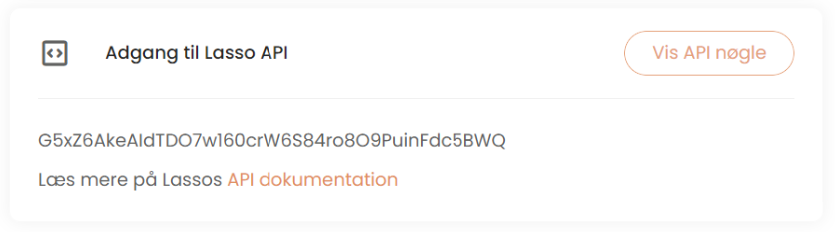
Please note that your API key is personal to you. Do not share or expose your API key to third parties.